B2TRADER Adds Guest Mode, Balance Operations Reporting, and a Sharper Trader Experience

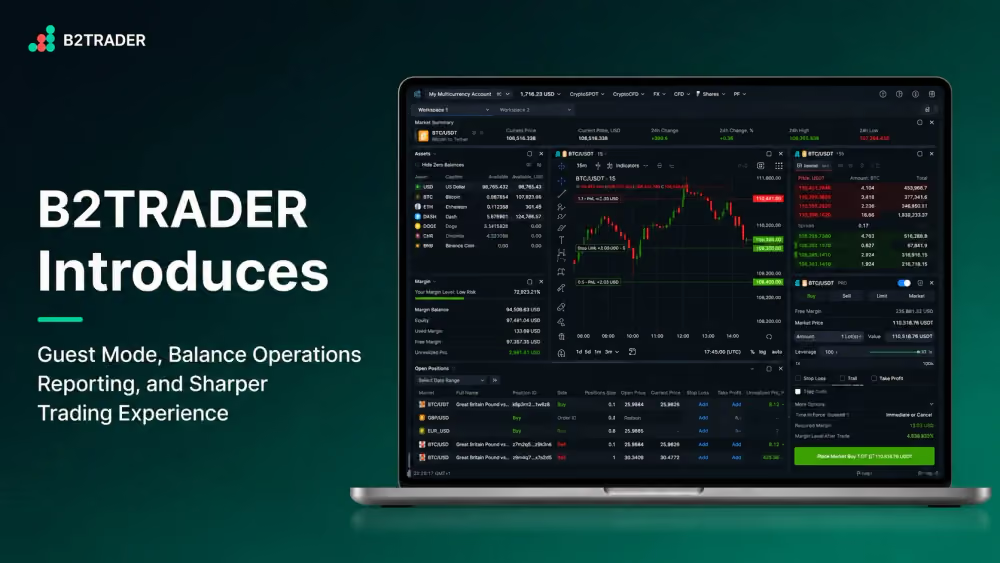
We are thrilled to roll out the latest B2TRADER release, which focuses on two priorities our brokers have been pushing for the most: opening the platform up to pre-login visitors, and giving operations teams tighter controls over account management and reporting.
This update also continues our work on the day-to-day trader experience, with drag-and-drop chart tools, linked widget layouts, and several reporting improvements that brokers have asked for repeatedly.
Guest Mode for the Trading Terminal
Your brokerage can now expose the Trading Terminal to visitors without requiring sign-up. Guests can browse markets and market categories, view price feeds and interactive charts, and open the AI Assistant widget for market analysis.
A dedicated guest workspace template ships out of the box, and the order placement panel opens in advanced view by default so prospects see the full power of the terminal at first glance.
A Sign in action remains available, letting interested visitors convert into a full trading session in a single click. This is a genuine new lead-generation surface, particularly for brokers who want to showcase their offering before asking for any commitment.
Balance Operations Report
A new Balance Operations report captures every write-off and accrual across all accounts in a single flat list. Each entry shows the operation reason, including Commission, Swap, Funding, PnL, Deposit, Withdraw, Credit, and NBP, together with the account, asset, applied rate, and the resulting value in the Root Asset.
Accruals appear as positive values and write-offs as negative, and the data can be sorted, filtered, and exported. The result is a transparent, auditable basis for calculating broker PnL without piecing reports together manually.
Account Statuses: Halted, Frozen, Archived
Admins can now disable trading accounts directly from the Admin Panel using three well-defined statuses.
The Trading Terminal displays the active status and restricts actions accordingly, with predictable behaviour for pending orders and open positions whenever a status changes. This is a long-awaited risk and compliance tool that brokers running regulated entities have asked for many times.
A Sharper Trading Experience
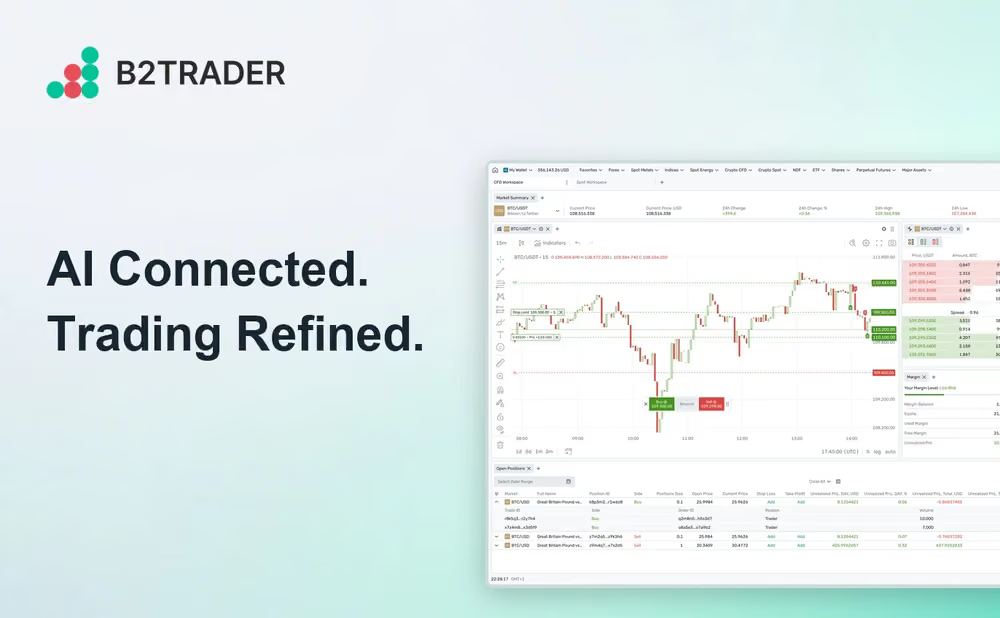
A wave of refinements lands across the terminal in this release. Stop orders can now be placed while a market is closed and become active automatically when it reopens, removing a long-standing pain point.
Take Profit and Stop Loss handling on the TradingView chart has been fully redesigned so traders can set and adjust levels by dragging them directly on the chart.
Trade, transfer, and balance reports gain a new All data range, lifting the previous date-range limit on historical reporting.
A limit price crossing warning catches orders priced through the current top of book before they execute unintentionally.
Additionally, market lists now display TOB and Spread columns out of the box.
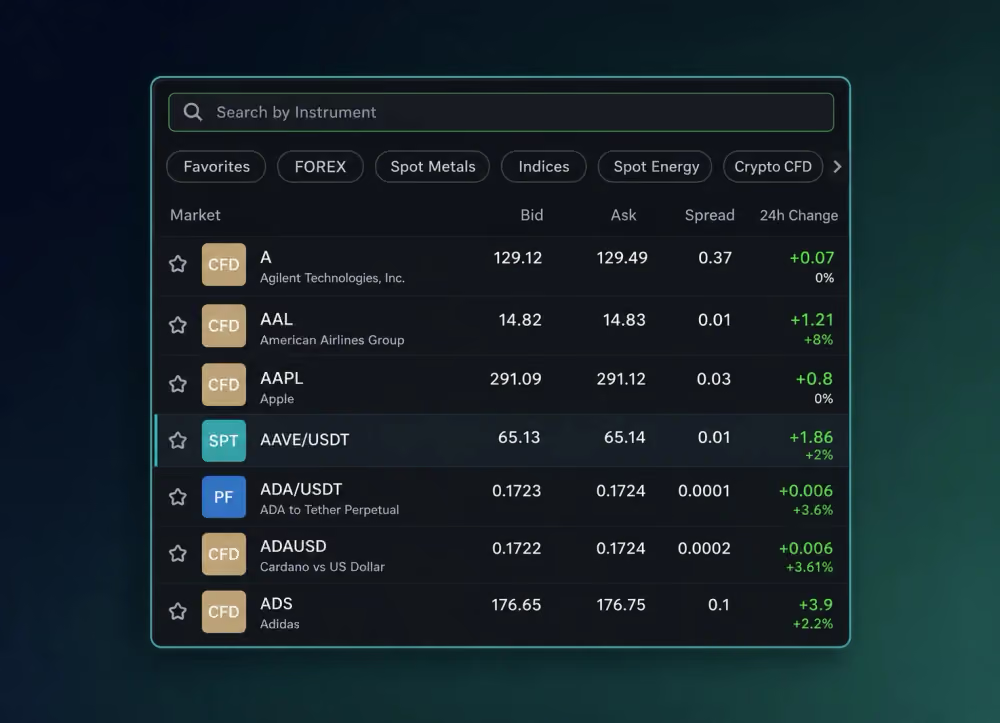
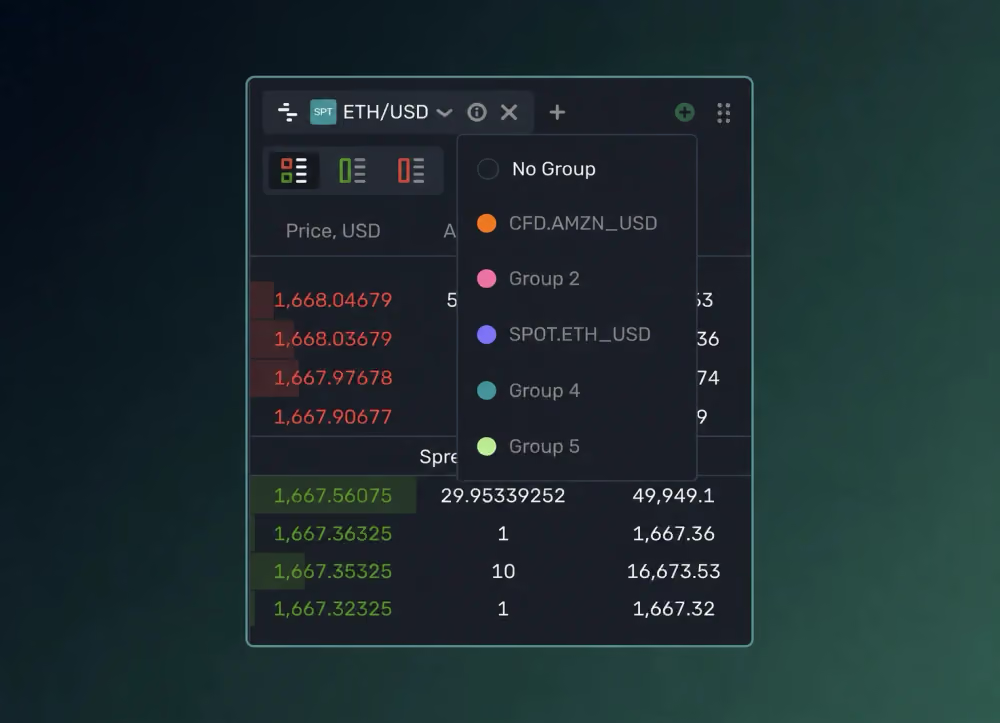
And last but not least, widgets can be linked into groups so selecting a market in one widget instantly switches every linked widget alongside it.
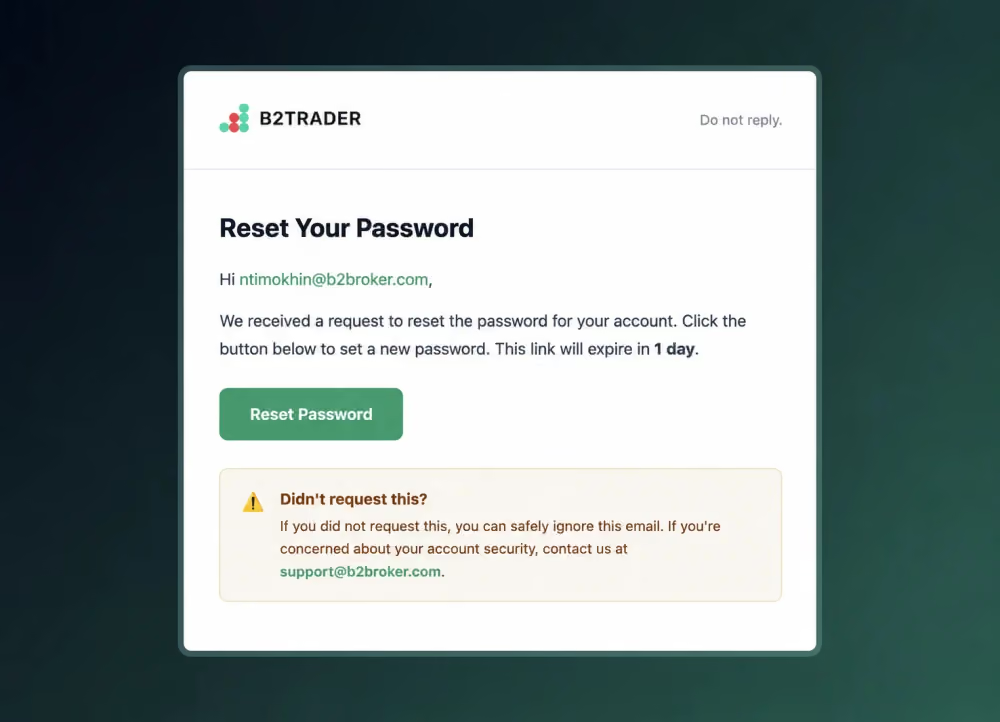
Redesigned Email Notifications
The password reset email and batch notification templates have been redesigned for clearer, more consistent communication with administrators and traders alike. The new layout puts the key action front and centre and renders consistently across every device.
Every feature in this release reflects feedback we have heard from brokers running B2TRADER in production. We will keep building toward a platform that gives your operations team transparency and control, while keeping the trader experience fast and intuitive.
Recommended articles
Subscribe to our newsletter